×
HTML to Markdown Webpage Converter Markdown Viewer JSON Reader AI Chats Capture
A browser sidebar extension with comfortable reading.
Extract articles, capture AI chats, view Markdown and JSON.
Everything a researcher, developer, or note-taker needs — one click, no tab switching, no copy-pasting.
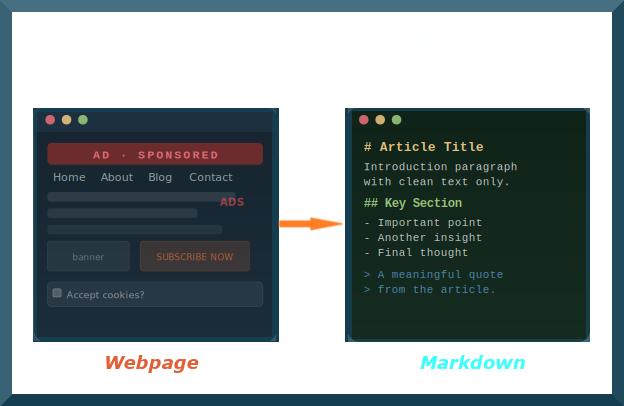
Click the extension on any article, Wikipedia page, or documentation site. The sidebar strips ads, popups, and navigation clutter — converting the page to structured Markdown in under a second. Copy to clipboard or save as a .md file instantly.
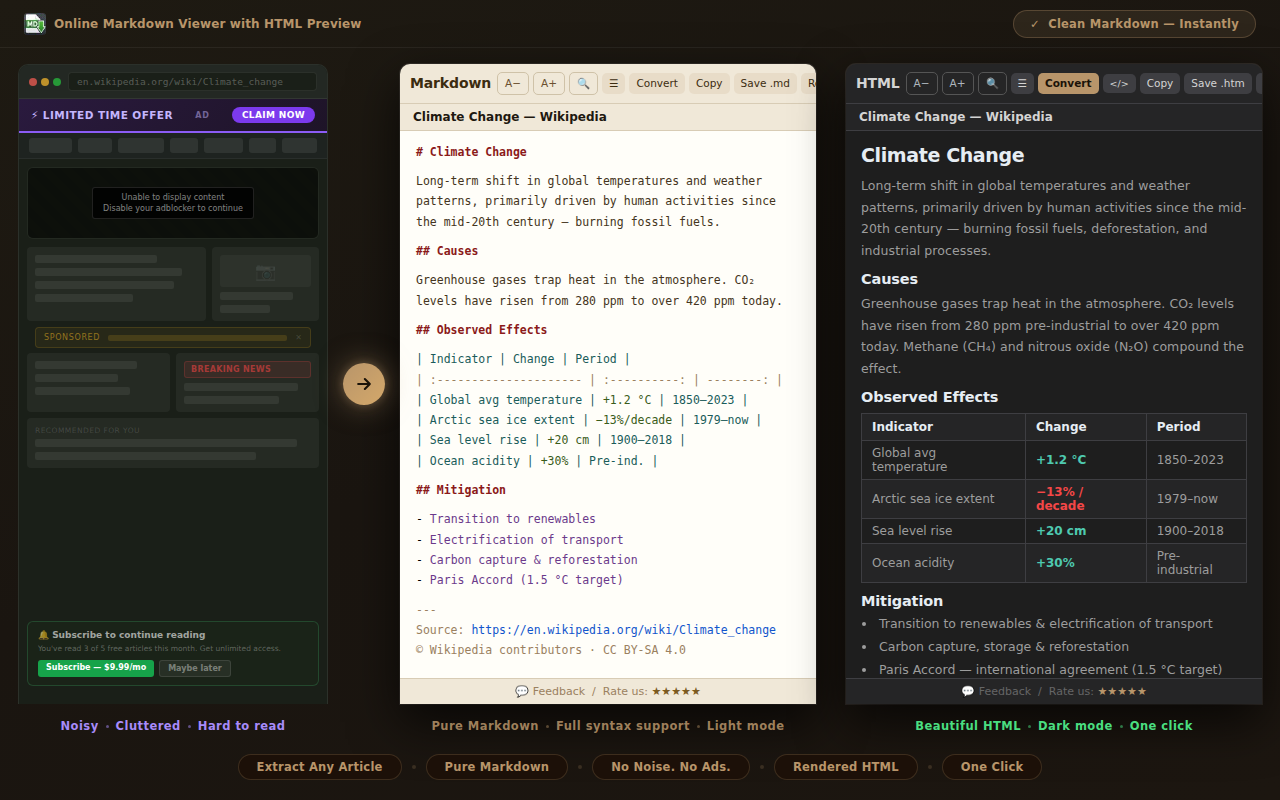
Open any AI chat and the extension reads the full conversation into a structured document with a table of contents. Check only the topics you want — then export, copy, or print just that selection. Works with ChatGPT, Claude, Copilot, Gemini and Grok.
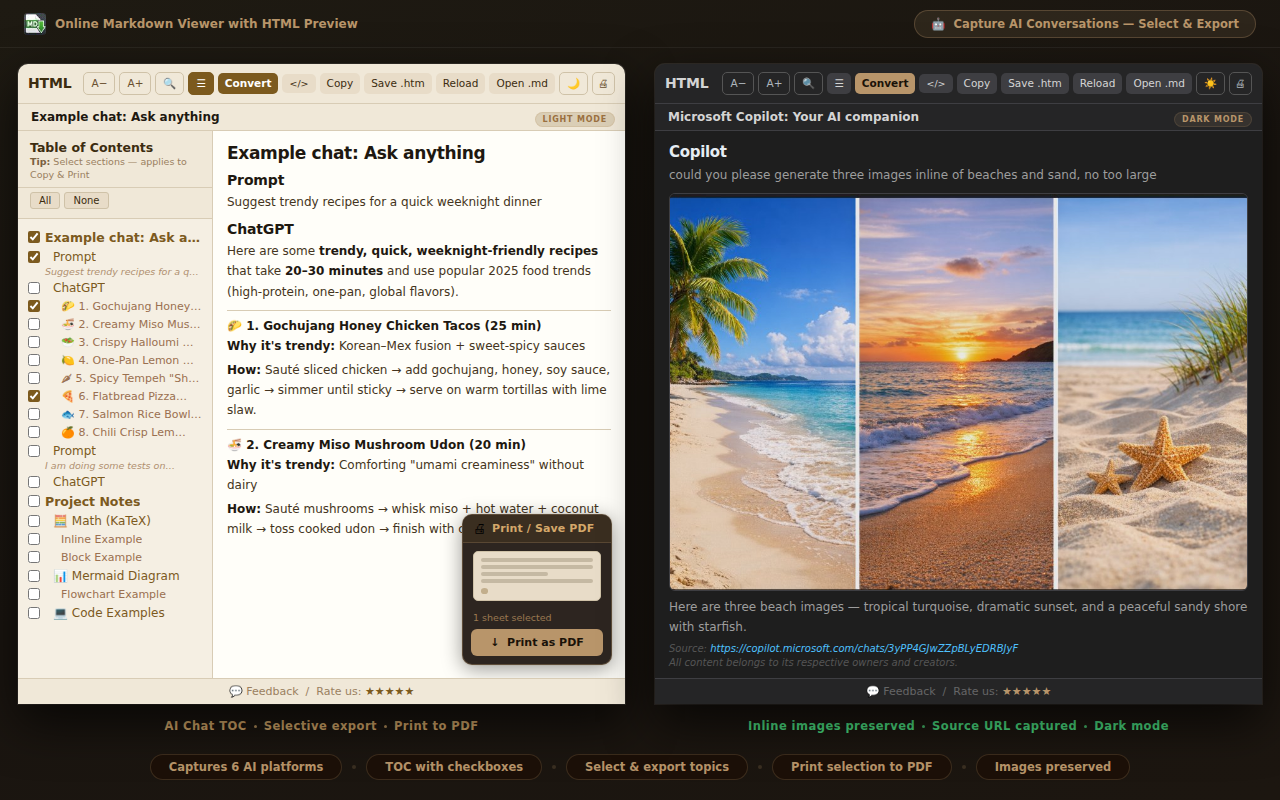
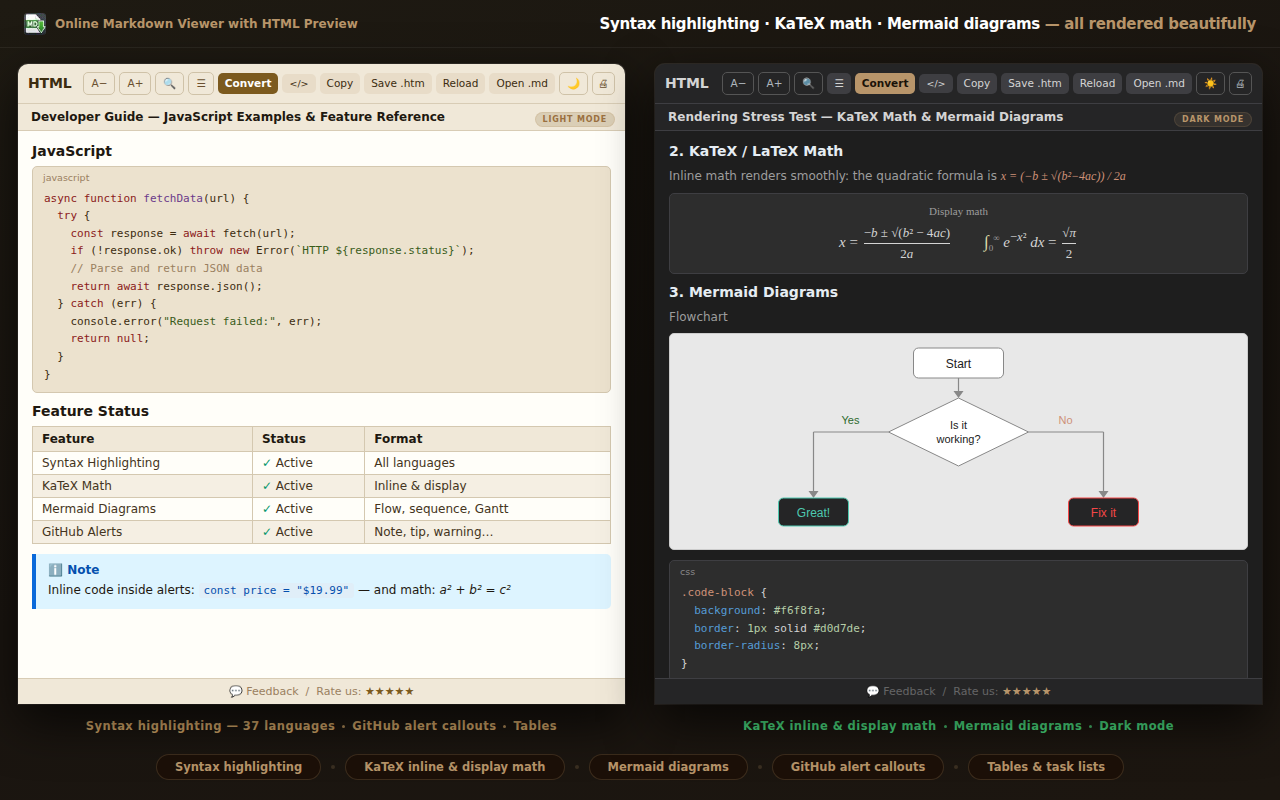
Open any page with math formulas, Mermaid diagrams, or code snippets — the extension renders them all. KaTeX handles inline and display math. Mermaid renders flowcharts and sequence diagrams. Syntax highlighting covers 37 languages. Comfortable light and dark reading mode throughout.
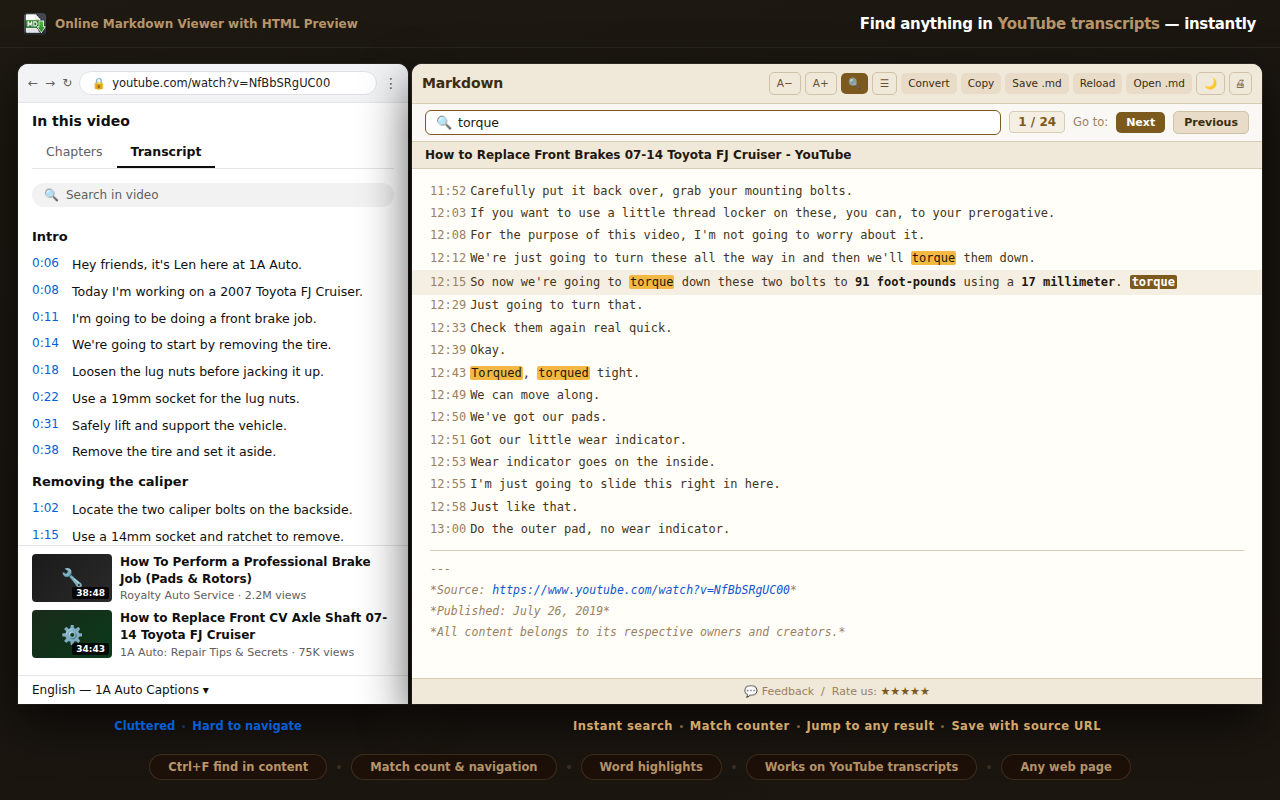
Open the YouTube transcript panel and the extension captures every timestamped line into clean, searchable Markdown. Use Ctrl+F to find any word instantly — the live match counter jumps you through every hit. Save the full transcript as a .md file or copy to your notes.
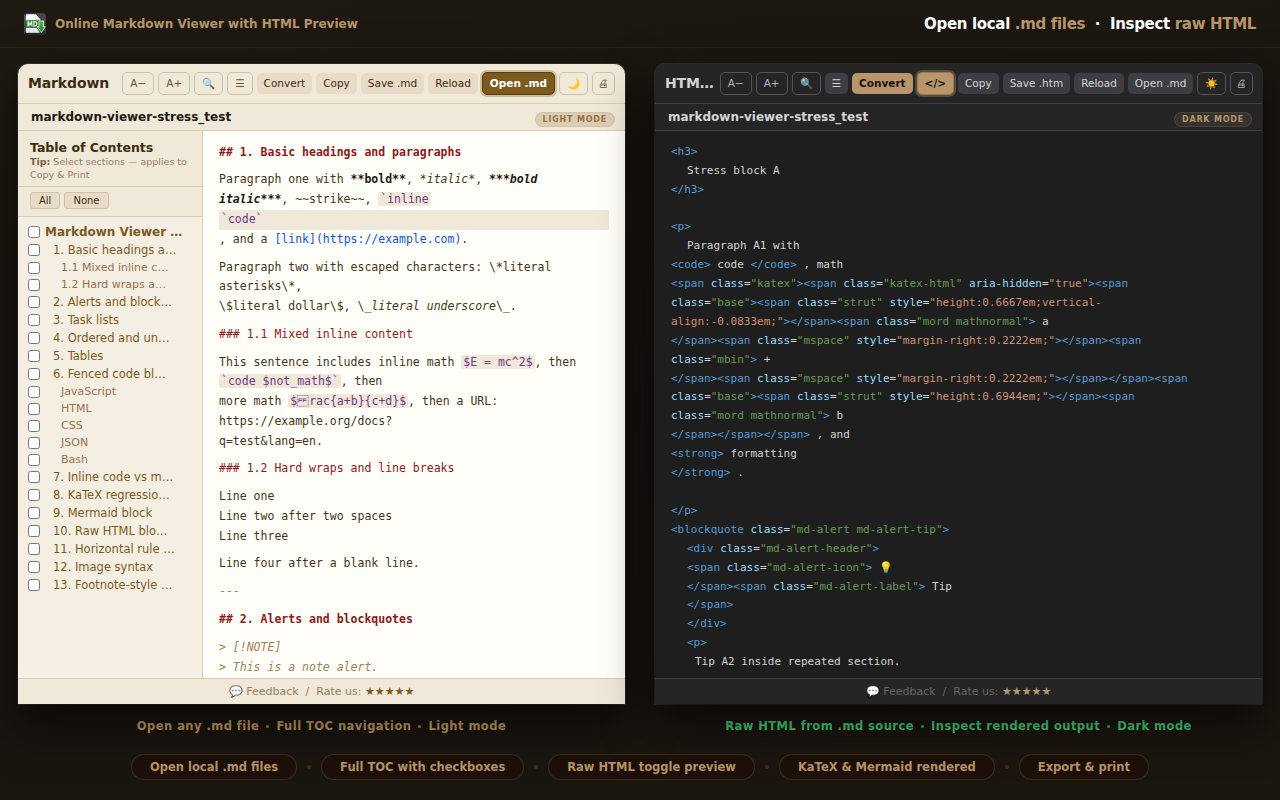
Switch to HTML view for a clean, ad-free reading experience — images, styled tables, and formatted text without clutter. Open local .md files directly in the sidebar. Drop in a .json file for a formatted, readable code preview. Light and dark mode for comfortable reading throughout.



Available on Chrome, Edge and Firefox — free, no account required
All conversion happens locally in your browser. Zero network calls. Zero data collection. Ever.
No server, no API, no internet required. The converter runs entirely inside your browser.
Install and start immediately. No sign-up, no login, no permissions beyond the active tab.
Full feature set at no cost. Install directly from your browser's extension store.
Perfect For
AI Power Users
Save and organize ChatGPT, Claude, or Copilot conversations as Markdown. Select only the answers you need — skip the rest.
Researchers & Students
Save articles and lecture transcripts to Obsidian or Notion without re-typing a word.
Developers & Tech Writers
Convert documentation pages to Markdown. Extract code blocks, tables, and structured data instantly.
Writers & Note-takers
Clip any webpage without ads or clutter. Get clean, readable content ready for your workflow.
Any webpage, any AI chat, any local file — clean Markdown in your browser sidebar.
Add to Your Browser Privacy Policy Feedback